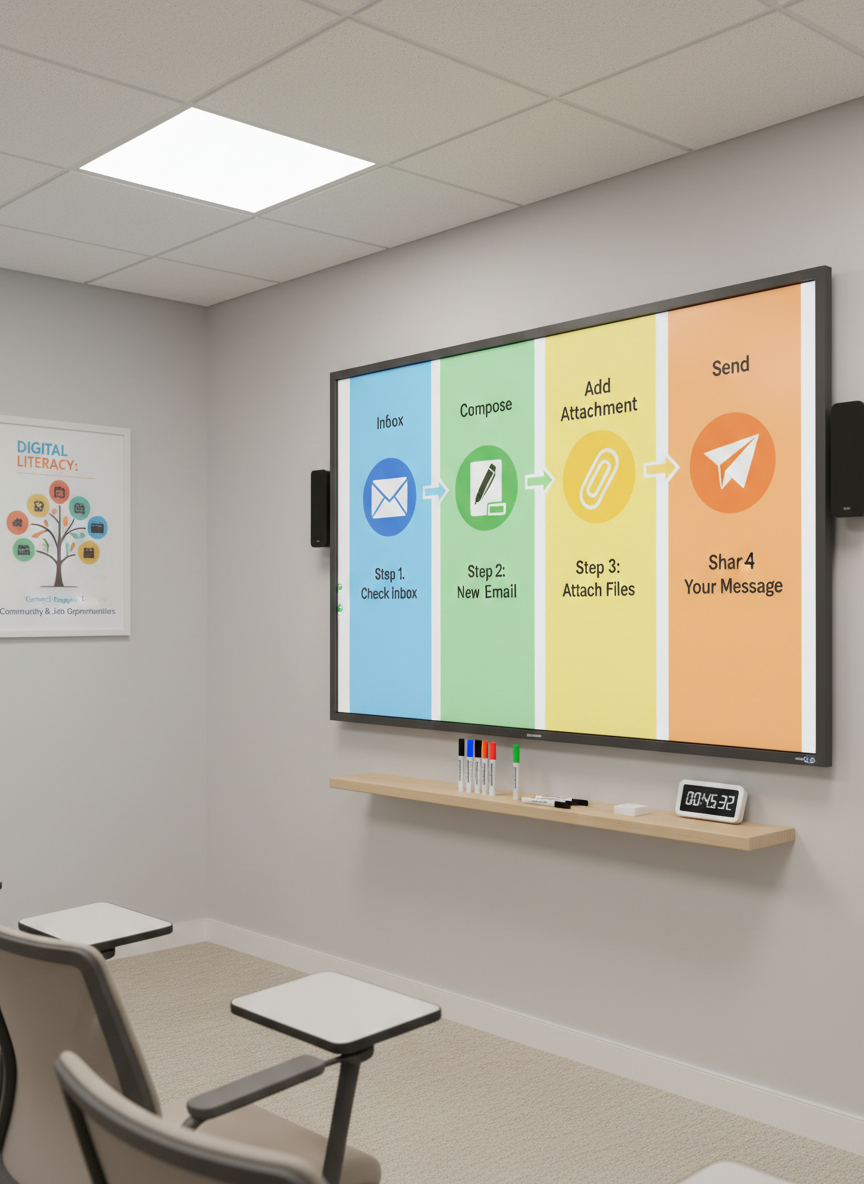
A large interactive whiteboard in a bright training room, displaying a colourful, step-by-step tutorial on how to use email, with clear icons for “Inbox”, “Compose”, and “Send”. On a slim floating shelf beneath, neatly aligned markers, an eraser, and a small digital timer reinforce a structured learning environment. The walls are a neutral light grey, accented by a single poster illustrating the benefits of digital literacy for community engagement and job opportunities. Overhead LED panels provide soft, uniform lighting, with no harsh shadows, giving a crisp, photographic realism. Shot from a slight side angle with moderate depth of field, the scene feels modern, inclusive, and highly practical, ideal for illustrating digital skills training in a professional setting.

Digital Pathways

Build practical reading, writing, maths and digital skills to participate confidently in work and community life.
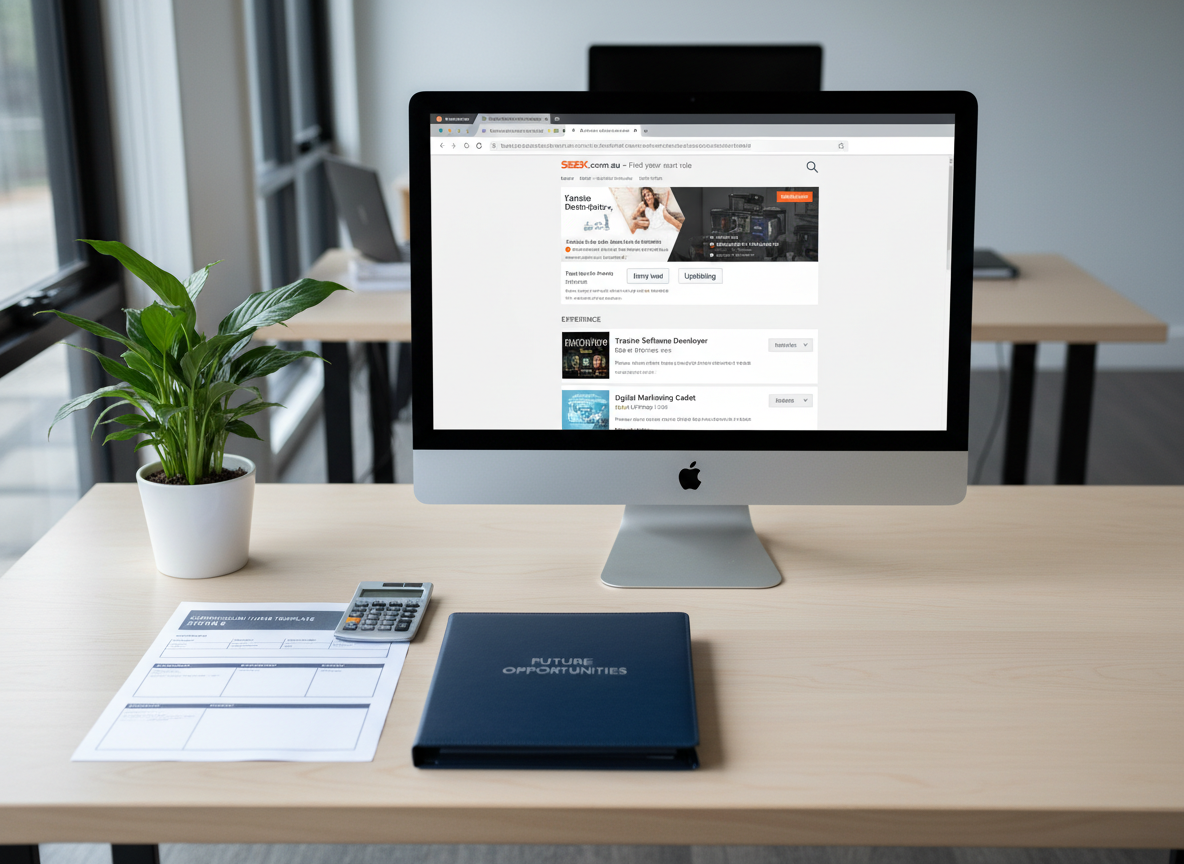
A clean, professional job-search workstation set on a pale birch desk, featuring a desktop computer displaying an Australian job website filtered by “entry-level” and “upskilling”. Beside the monitor lies a printed CV template with key sections clearly labelled, a calculator positioned neatly on the top corner, and a navy-blue folder embossed with “Future Opportunities”. A modest indoor plant in a white ceramic pot softens the scene. Cool, even daylight from a nearby window combines with soft overhead lighting, eliminating harsh contrasts. Photographic realism, captured straight-on with balanced composition and moderate depth of field, creates a reassuring, organised atmosphere that highlights how improved digital and foundation skills open pathways to employment.
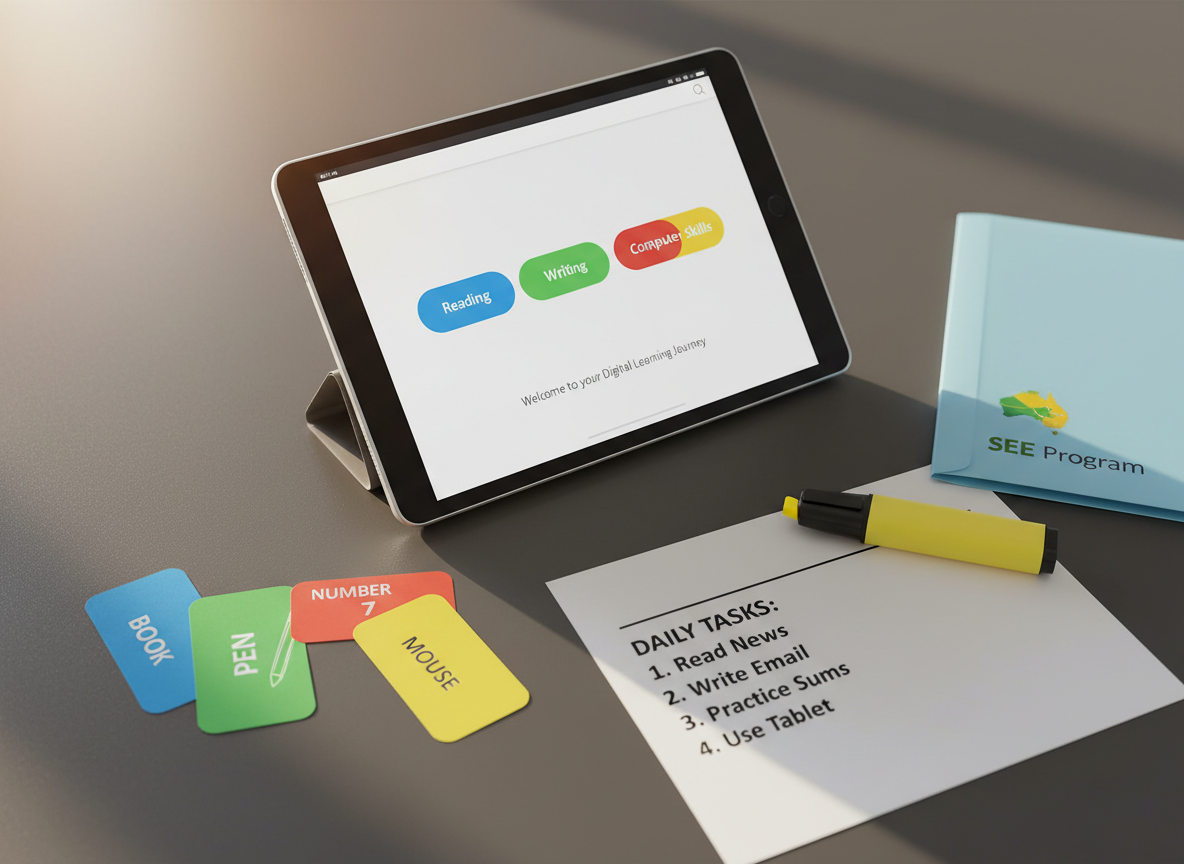
A close-up, photographic view of a sleek silver tablet lying on a matte charcoal table, its screen displaying an easy-to-read digital literacy course interface with large buttons labelled “Reading”, “Writing”, “Maths”, and “Computer Skills”. Around the tablet are colour-coded flashcards with simple words and numbers, a highlighter uncapped beside a clearly printed checklist, and a small Australian map icon printed on a folder labelled “SEE Program”. Soft afternoon light from the left casts delicate shadows and subtle highlights on the glass screen, giving the scene a realistic, tactile feel. Shot from a slightly elevated angle with shallow depth of field, the mood is focused, accessible, and supportive of adult learners.
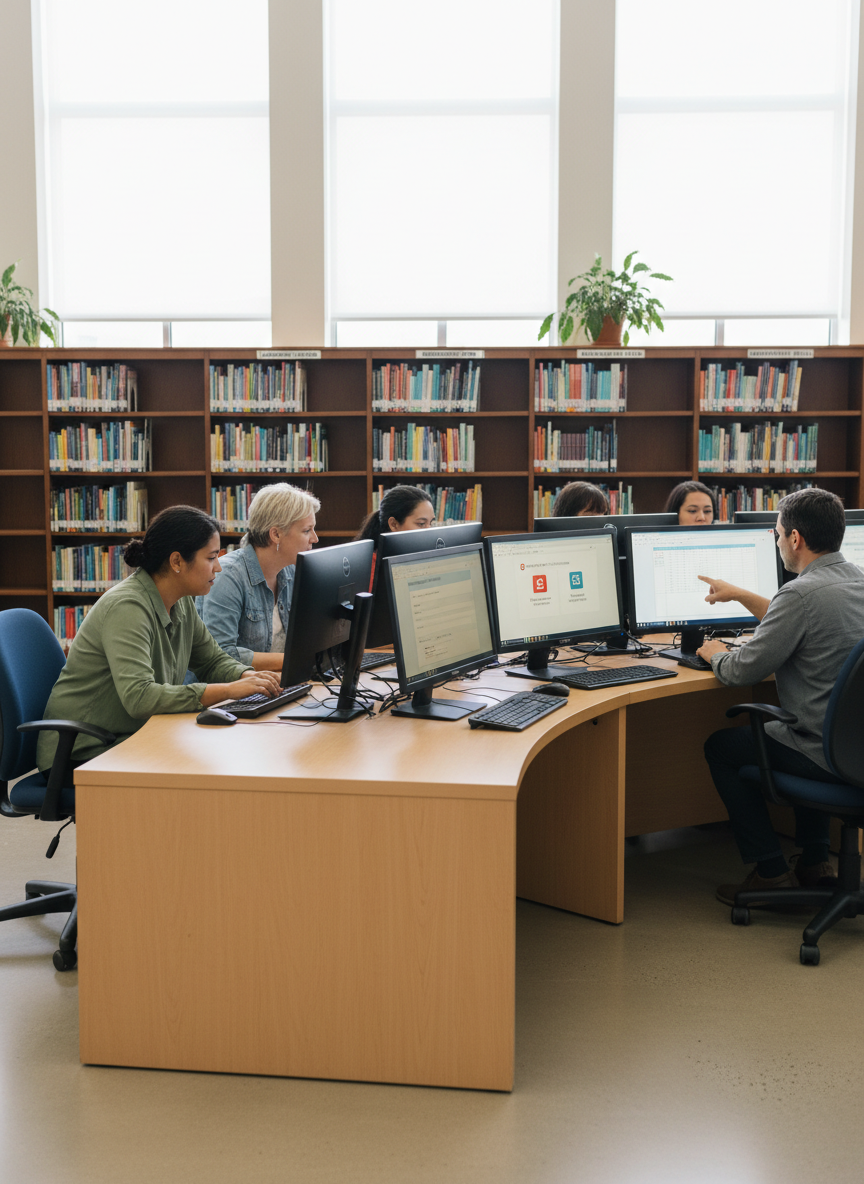
A realistically rendered public library technology area, with a curved row of public-access computers on a light beech counter, each screen showing different digital literacy activities: online forms, a government services portal, and a basic budgeting spreadsheet. Tall shelves of neatly arranged books on language, maths, and employability frame the background in gentle blur. Large windows allow diffused daylight to flood the space, reflecting softly off the monitor bezels and polished floor. Photographic realism captured with a wide-angle lens at standing eye level, the mood is welcoming, community-focused, and quietly industrious, highlighting accessible learning spaces where adults can develop reading, writing, maths and computer skills.
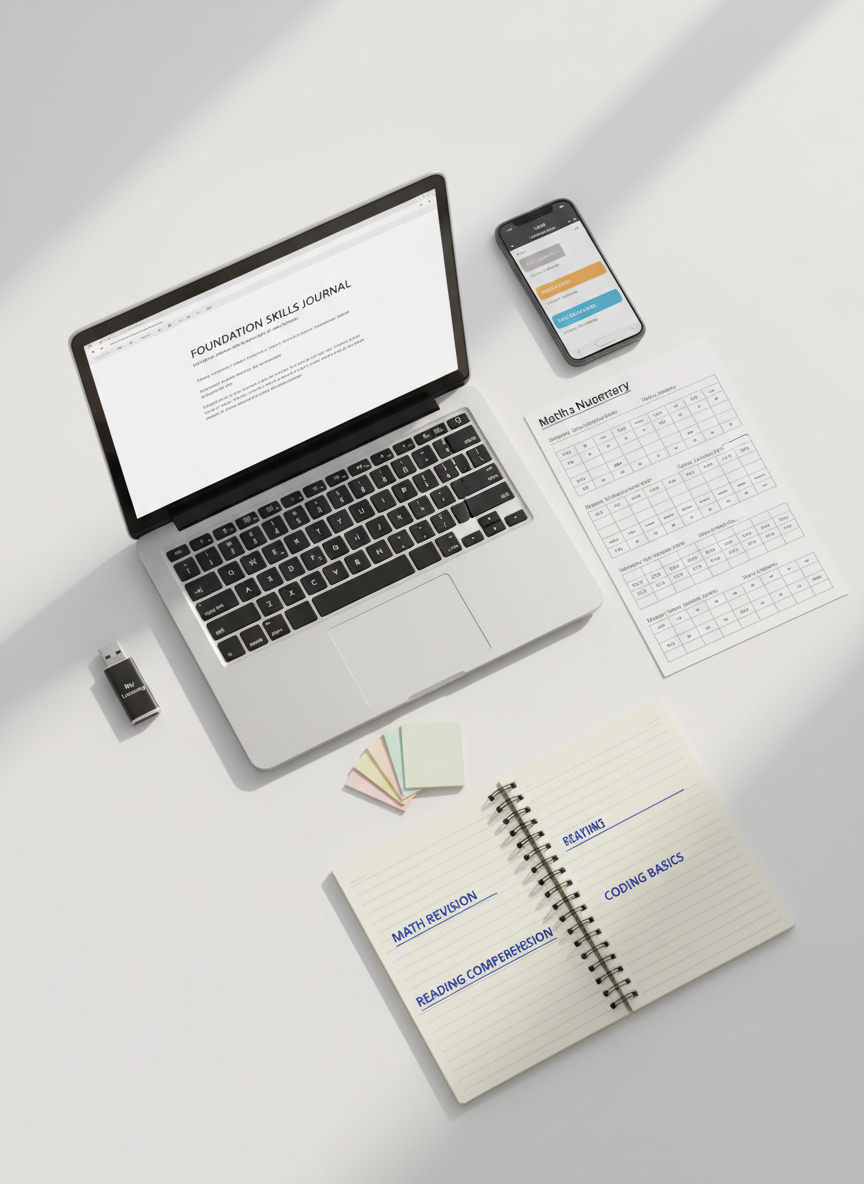
An overhead, photographic view of a well-organised adult study kit arranged on a smooth white table: a mid-sized laptop showing a simple word-processing document, a printed basic numeracy worksheet with neatly spaced sums, a lined notebook with clear headings, coloured sticky notes forming a small, tidy fan, and a USB drive labelled “My Learning”. A slim smartphone rests nearby, displaying a calendar with scheduled study sessions. Soft, natural morning light from the top of the frame creates subtle shadows and a calm, focused mood. The composition is carefully balanced with objects radiating from the laptop, and sharp focus throughout emphasizes clarity, structure, and the step-by-step nature of building foundation skills.

Overview

See how our students use real-life tasks—emails, forms, budgeting and online safety—to practise core skills and gain confidence for further study, volunteering, and employment.

Testimonials

Amina

Before this course I avoided computers; now I write emails, fill in forms, and help my kids with homework, which makes me feel independent.

— Aya Nakamura

Uncle Joe

Learning at my own pace built my confidence with reading and maths, and I finally feel ready to apply for new jobs.

— Mateo García

Sophie L.

I used to fear online banking and scams; now I can spot fake messages and safely manage my money from home.

— Lila Patel